
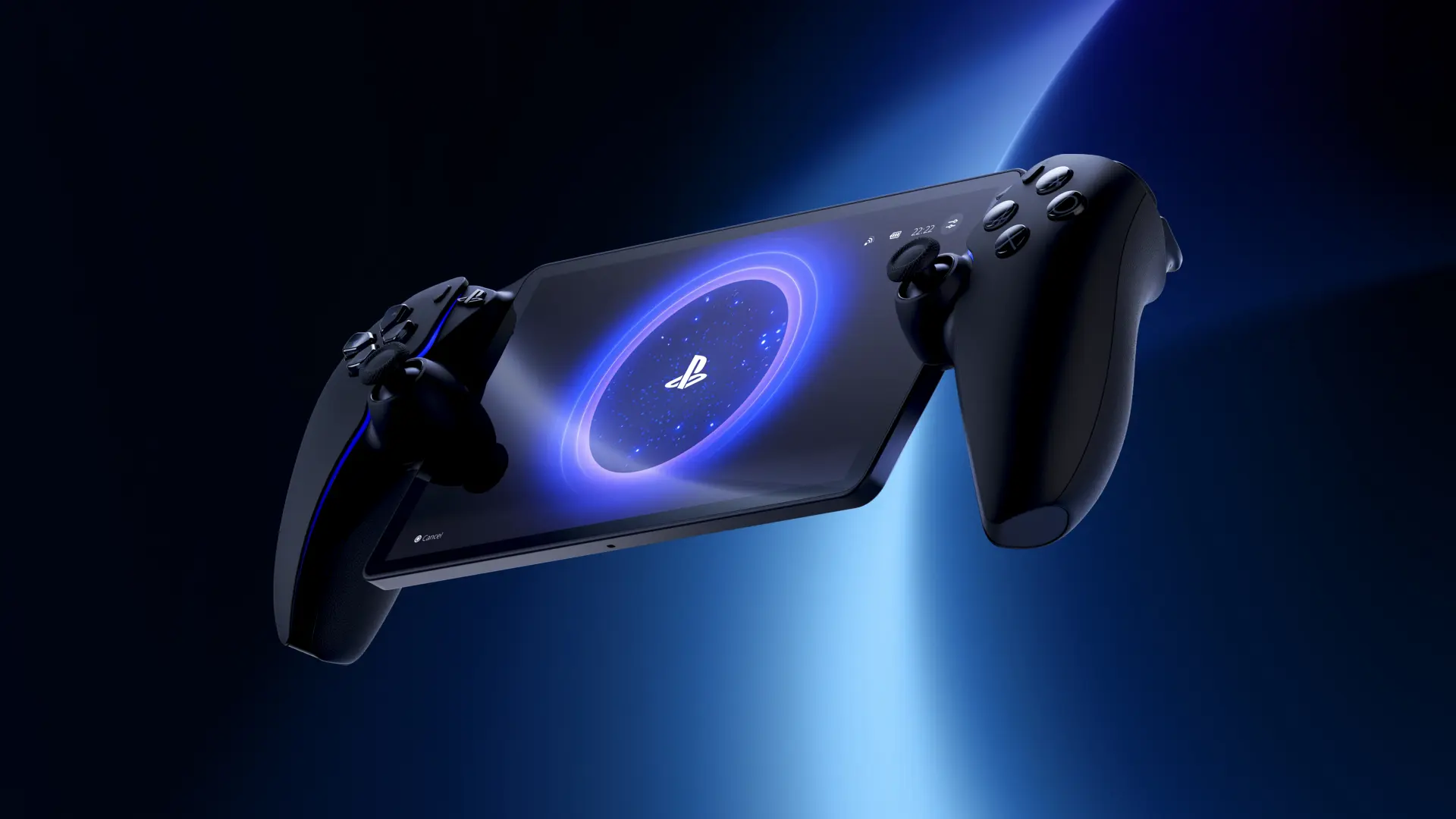
Not content with a big PS5 software update that added the new version of PSSR for PS5 Pro along with some neat new features for all users, PlayStation has also dropped a major firmware upgrade for its streaming handheld, the PlayStation Portal.
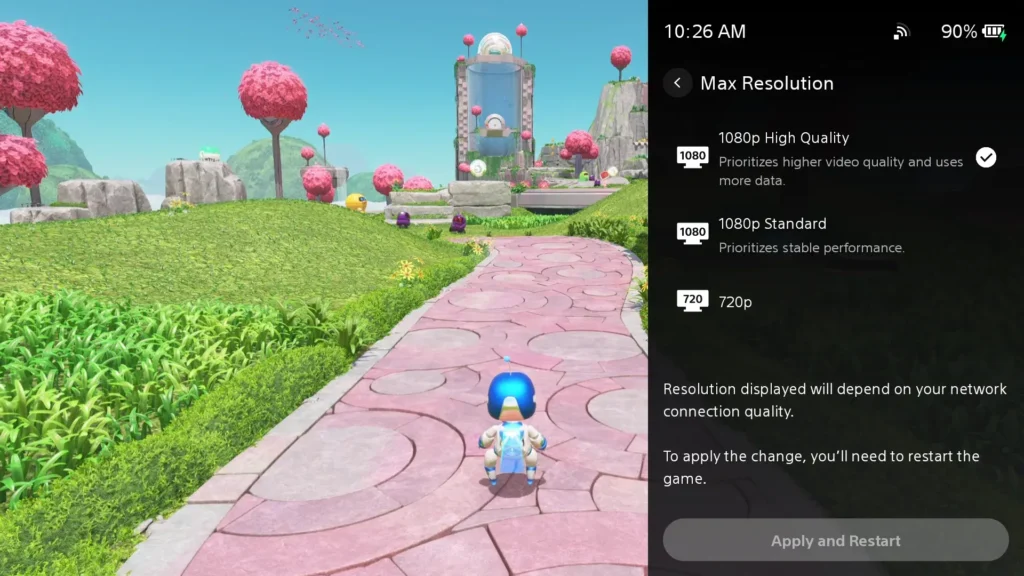
This update adds a significant new feature to the Portal – the addition of higher quality 1080p gameplay for both Remote Play and Cloud Streaming (if it’s available in your region). This represents an extra option over and above the normal 720p and 1080p settings, which offers increased bitrate for higher video quality, making your games look even better on the PlayStation Portal’s display.
This will, of course, be limited by the bandwidth and data you have access to, as a higher bitrate means more data needs to be streamed to the Portal.
Further to this, the system update adds some nice quality-of-life touches to the PlayStation Portal user experience, including improved game invite and trophy notifications, better product/search interfaces and simpler onboarding.
Here’s a look at everything in the update, taken from the PlayStation Blog:
PlayStation Portal March 2026 system update
1080p High Quality mode
Players can now select a 1080p High Quality mode during Remote Play and Cloud Streaming. This new mode enables players to enjoy games at a higher bitrate compared to the default 1080p Standard mode, providing a smooth and high-fidelity experience.**
- To enable the mode, go to [Quick Menu] > [Max Resolution] and select [1080p High Quality] during Remote Play or Cloud Streaming.
- You can apply the change by restarting the Remote Play / Cloud Streaming session.
Refined Cloud Streaming experience
We’ve introduced several enhancements to improve usability and reduce friction during Cloud Streaming*** sessions.
- Improved Product Detail Page: When you select “Stream” on the product detail pages of game bundles, a new UI will show up, allowing you to select a specific game to play from that bundle.
- Game Invite: If you’re actively streaming a supported title and receive game invites, you’ll now see a clear on-screen notification on PS Portal, ensuring you never miss an invitation while playing.
- Enhanced Trophy notifications: Trophy notifications now clearly display the trophy name and associated image when unlocked. Platinum trophies will also feature their special animation, bringing greater visibility and celebration to your achievements.
- Improved Search screen: The search interface has been refined for a smoother experience, such as the On Screen Keyboard display being available immediately when going into search.
Smoother onboarding experience
If you don’t have an account for PlayStation yet, getting started is now easier than ever. With an improved UI and onboarding flow, you can now quickly create an account and sign in to your PS Portal by scanning the QR code using your mobile device.

Born into the world of video games through SEGA, and in particular Sonic the Hedgehog, Kieron’s gaming tastes now consist of the latest, shiny AAA thing, an indie darling or two, and an embarrassing number of hours of Balatro.