
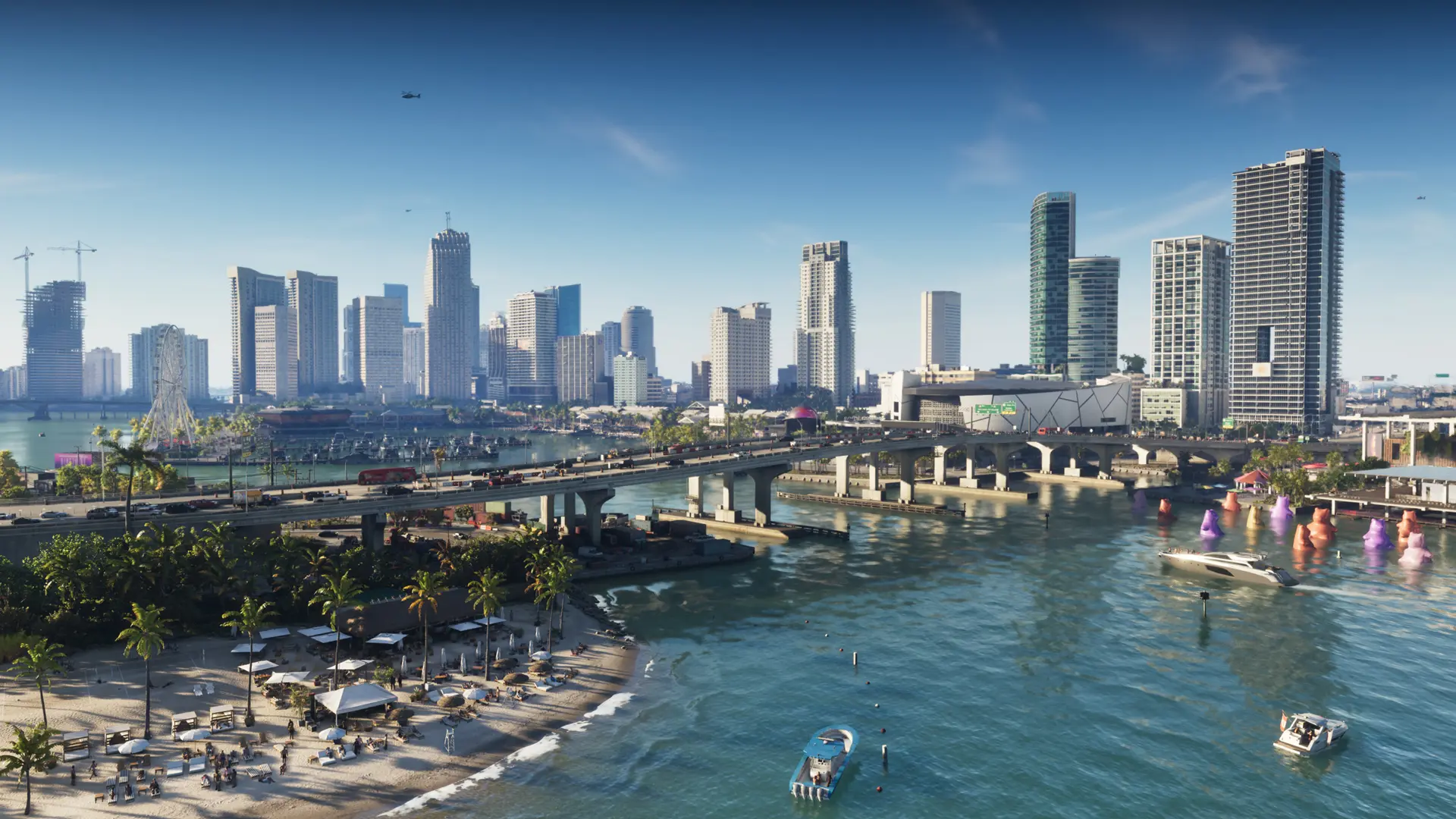
Rockstar Games has confirmed the crucial information that just about everyone person in possession of a PlayStation 5 or Xbox Series console has been waiting for – the knowledge of how long it’s going to take to download Grand Theft Auto VI, and how much space you’ll need to set aside for it.
Although the numbers have been floating around for a bit thanks to the internet rumour mill, we now have official confirmation that GTA 6 will require “up to” a whopping 212GB of storage space to install, depending on your platform. That’s not an insignificant amount, especially if you happen to be playing on a base model Xbox Series S where that’s potentially nearly 60% of your usable storage.
It’s also a big download, and depending on your internet speeds at home could be quite a lengthy one. Luckily, Rockstar is giving folks plenty of time to get ahead and have the game installed and ready to play as soon as it launches. Pre-loading is set to begin on Tuesday, November 10 at either midnight local time on PS5 or at 12AM GMT (11AM AEDT) on Xbox. Retail copies follow just a little later, with the code-in-box product available to pickup or purchase from November 12 onwards, to start pre-loading immediately.
Here’s all the information from the official Rockstar Games pre-load FAQ:
Grand Theft Auto VI Pre-Load FAQ
When will I be able to pre-load Grand Theft Auto VI?
On PlayStation 5, digital pre-load begins at midnight local time in your respective time zone on November 10, 2026.
On XBOX Series X|S, digital pre-load begins globally at 12AM GMT (11AM AEDT) on November 10, 2026.
How do I pre-load Grand Theft Auto VI?
You can learn how to pre-load Grand Theft Auto VI on PlayStation 5 or XBOX Series X|S by visiting the support links below:
- PlayStation 5: https://www.playstation.com/support/games/pre-order-games-automatic-download-ps-storeExternal link
- XBOX Series X|S: https://support.xbox.com/help/subscriptions-billing/buy-games-apps/pre-order-faqExternal link
How do I enable automatic pre-load of Grand Theft Auto VI?
To enable automatic pre-load on your PlayStation 5 or XBOX Series X|S, see your platform information below.
PlayStation 5
Players must have auto-downloads enabled, and their console must be powered on or powered off to Rest Mode.
For auto-download information on PlayStation 5, visit the link below:
For information on putting your PlayStation 5 into Rest Mode, visit the link below:
XBOX Series X|S
Players must have automatic updates enabled, and their console must be powered on or in Sleep mode.
For information on enabling your XBOX’s automatic updates, visit the link below:
For information on putting your XBOX’s Power options into Sleep mode, visit the link below:
How much disk space is needed to pre-load Grand Theft Auto VI?
The Grand Theft Auto VI pre-load will require up to 212 GB of available space depending on your device
I am having issues pre-loading Grand Theft Auto VI; what do I do?
If you are having issues pre-loading Grand Theft Auto VI, see the support articles below for your relevant console:
- PlayStation 5: https://www.playstation.com/support/games/troubleshoot-downloaded-playstation-game/External link
- XBOX Series X|S: https://support.xbox.com/help/games-apps/troubleshooting/troubleshoot-game-or-app-installation-problems-on-xbox-oneExternal link
Like our content on covergeek? Hate dodgy AI summaries? Click here to add us as a Preferred Source on Google and see our posts more often!

Born into the world of video games through SEGA, and in particular Sonic the Hedgehog, Kieron’s gaming tastes now consist of the latest, shiny AAA thing, an indie darling or two, and an embarrassing number of hours of Balatro.