
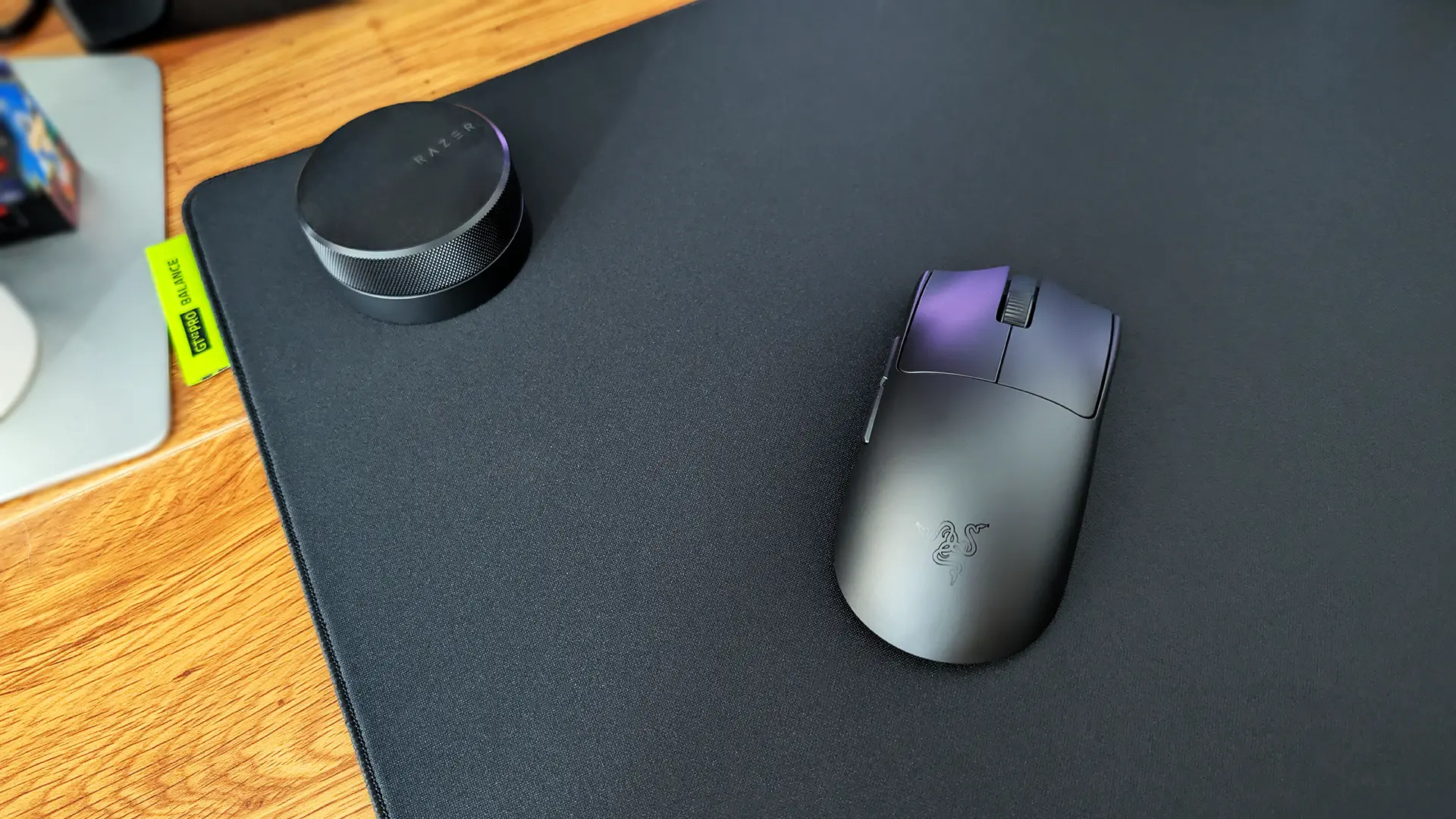
I’ll say this upfront. If you’re going to spend ~$280 on a gaming mouse for the explicit purpose of taking it to pro-level tournament play, or you’re playing games like CS2 and League of Legends at such a skill level that you truly believe your equipment is the last thing holding you back, consider picking up the Razer Viper V4 Pro. It’s about as simple as that. This is easily one of the most well-designed and performant gaming mice aimed at the highly-skilled market, a clear upgrade over the previous Viper V3 Pro, but you’ll really want to be a part of that crowd to appreciate everything it’s doing.
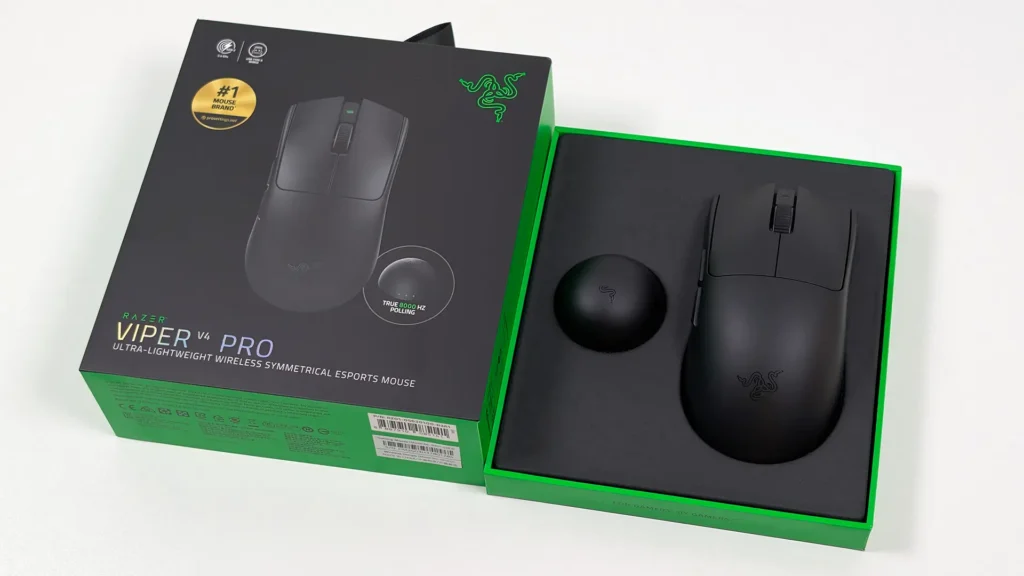
No doubt in order to remain ultra-light, the Viper V4 Pro is also quite light on extra bells and whistles. There’s no Chroma RGB here to speak of, and the button array is straightforward – left and right click, a scroll wheel with only an incremental mode, two side buttons and then a small, multi-use power/DPI/polling switch on the underside. If you’re looking for a mouse that can serve as a ergonomic work device or macro-laden productivity and gaming combo, you won’t find that here. It’s in the name, this is a mouse design with the ‘pro’ gamer in mind, and few people either outside of that world will get much utility out of this mouse over the many other options on the market.
That said, if you do fall into the pro gamer category, or are at least looking to fall into it, the Viper V4 Pro excels in just about every facet that matters. That small collection of buttons all feel absolutely fantastic in use, for starters. The left and right main buttons use Razer’s Gen-4 optical mouse switches, and they come with a wonderfully light and crisp click-feel and sharp performance that is just about unmatched – although in the time I’ve used it I’ve found the left click to have quite a hollow sound that’s a little louder and more distracting than I’d prefer. The right one doesn’t bother me nearly as much, for what it’s worth.
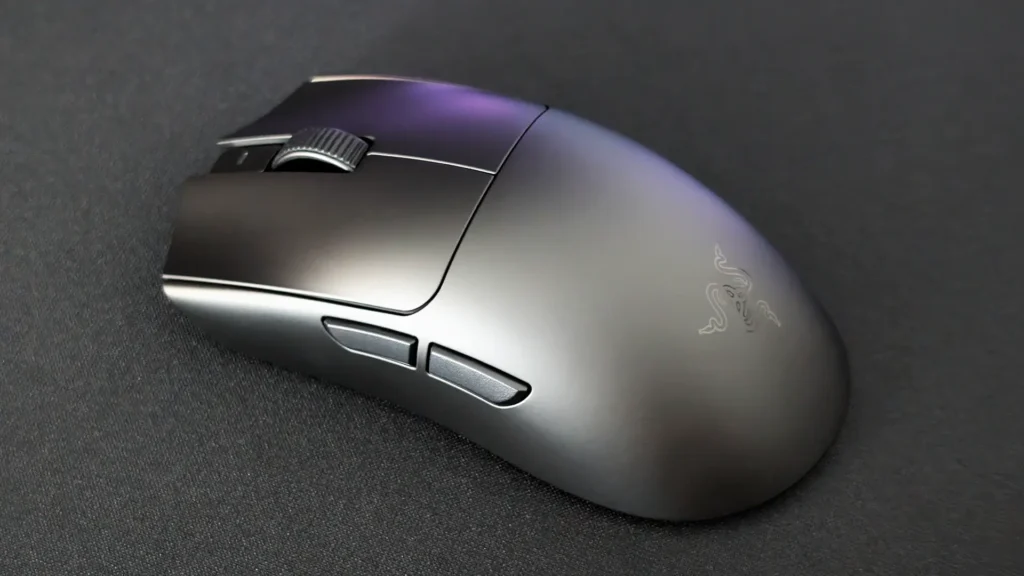
The V4 Pro also features a welcome improvement over its predecessor with an optical scroll wheel, which offers a lot more precision with less moving parts, giving it significantly more utility in fast-paced FPS titles where a mechanical wheel simply wouldn’t have the durability or accuracy. The side buttons are equally great, nicely positioned, textured and separated to make them easy to navigate and with a lovely, satisfying click.
The whole mouse is genuinely just very comfortable to use, not only because of how light it is at only 49g (50g for the white version) but because it shaves off that extra weight while retaining the same tried-and-true shape of the V3 Pro. And then yet, miraculously, the build quality seems to be even better again. In the name of science I have squeezed it, smacked it and thrashed it (I’m still talking about the mouse) and it hasn’t let out a single creak or sign of weakness. Considering it almost feels as though I’m holding nothing most of the time, I’m very impressed.
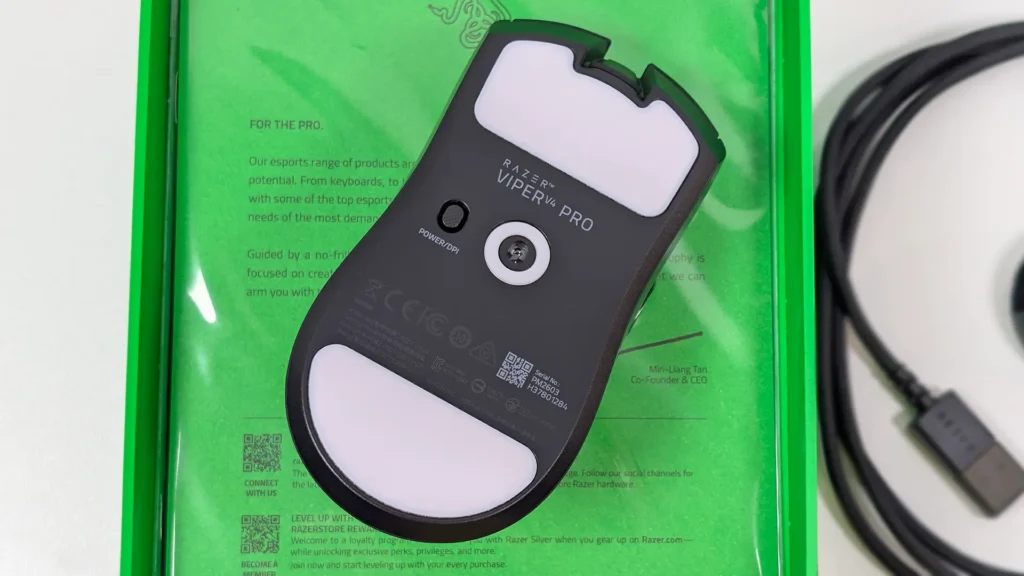
In terms of performance, this is one of those situations where the ceiling is far too high for me to comfortably tell you whether this mouse outperforms other, similar gear that I’ve used, but that’s really just down to how ridiculously-specced this thing is. The Viper V4 Pro sports an upgraded Razer Focus Pro Gen-3 sensor with up to a frankly silly 50K DPI, 930 IPS and 90G max acceleration putting it comfortably above just about anything else in the category, including the Logitech G PRO X2 SUPERSTRIKE. It also benefits from Frame Sync technology, which aligns each frame captured by the sensor with the polling information being sent to your PC, so there are no captured frames being read or sent when the PC isn’t ready for them – kind of like VRR for your mouse sensor.
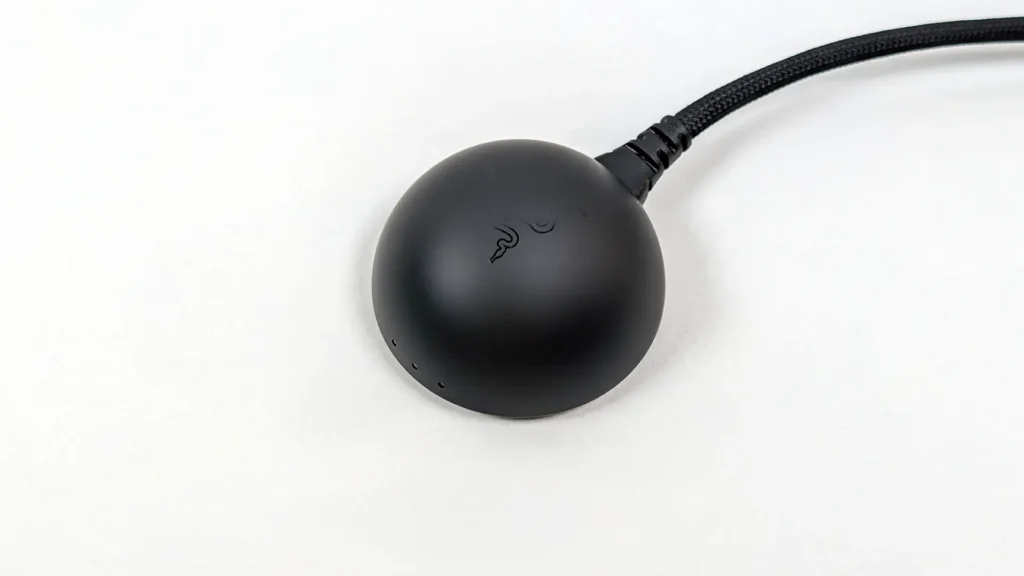
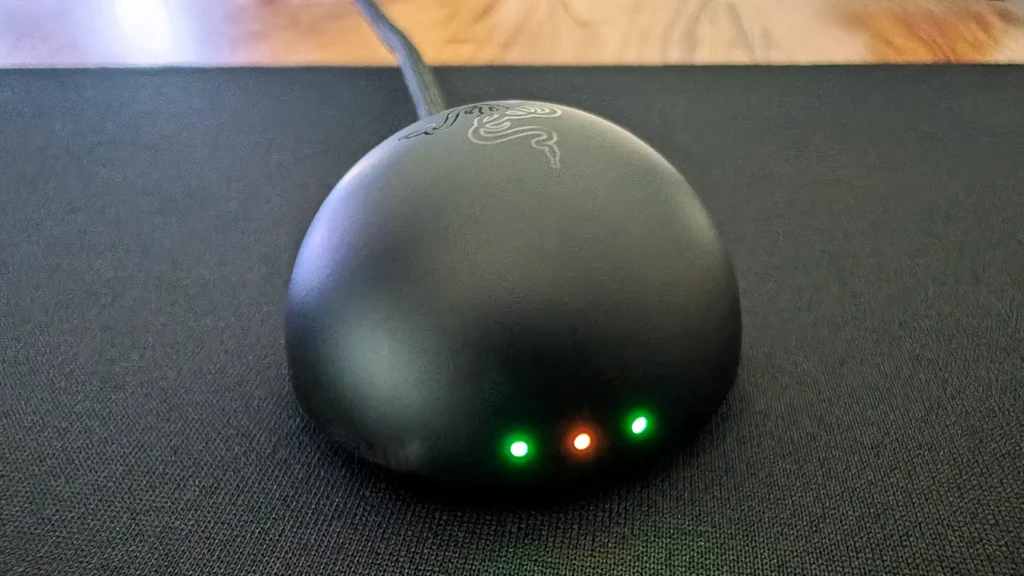
Not only does Frame Sync make for even more accurate and responsive tracking, the lack of wasted frames means there’s also a sizable uptick in battery life – practically double the Viper V3 Pro or PRO X2 SUPERSTRIKE with an estimated 180 hours at 1000Hz polling. The new HyperSpeed Wireless Gen-2 dongle, which uses a domed design to hold a stronger antenna for up to 8000Hz wireless polling, features a very handy row of three lights on the front that can be set to indicate things like battery life, DPI stage and connectivity. It’s a neat way to integrate the dongle as a purposeful piece of your desk setup, as opposed to just an extra bit hanging from your PC’s USB port – though I miss the fact that my old Razer Pro Click V2 Vertical mouse and current BlackWidow V4 keyboard could share a receiver.
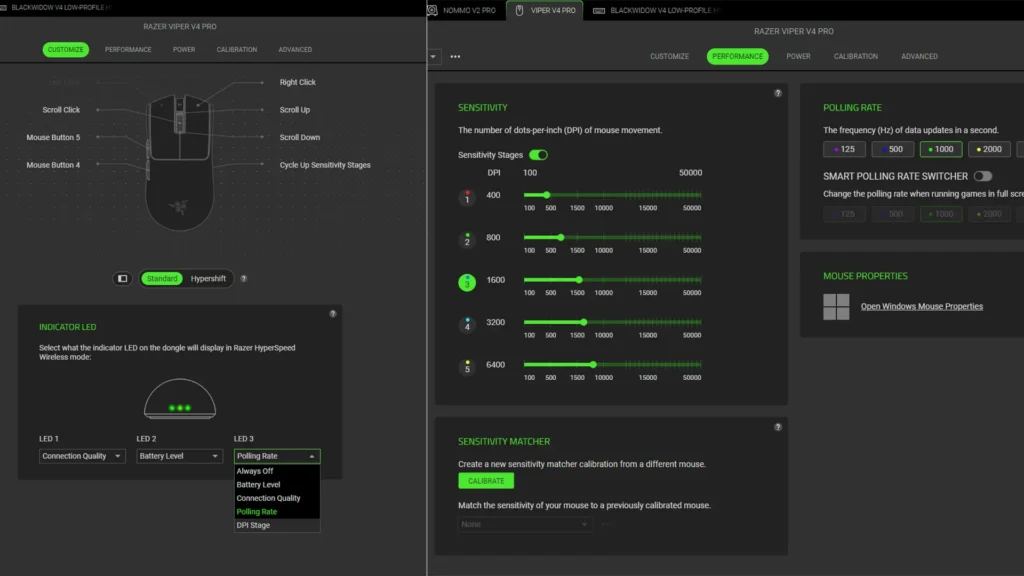
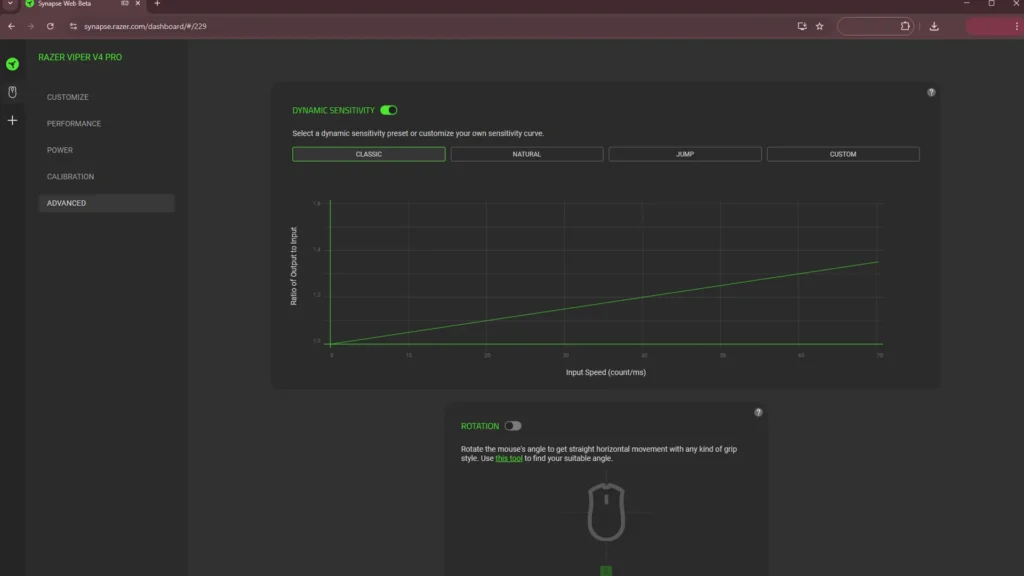
Usually it’s at around this point that I’d point out whatever options exist for customisation and performance tweaking in the Razer Synapse app, and note how refreshingly good Synapse is when compared to a lot of other mainstream gaming peripheral manufacturers’ compulsory Windows software. And that’s still the case here – Synapse offers quick and easy tweaks to the Viper V4 Pros’ DPI and polling rate, along with the switch presets for both, dynamic sensitivity and tracking height, even the default angle you grip your mouse at to determine what the mouse considers ‘forward,’ which is neat.
But the best part is that you don’t even need to install Synapse anymore, because Razer has launched a web-based version (in beta) that instantly detects the Viper V4 Pro and allows for all of the same adjustments. The mouse is one of only five products that currently work with Synapse Web, so it’s a pretty compelling reason to opt for this particular device if you don’t like installing extra apps or want an easy way to configure things on the go.
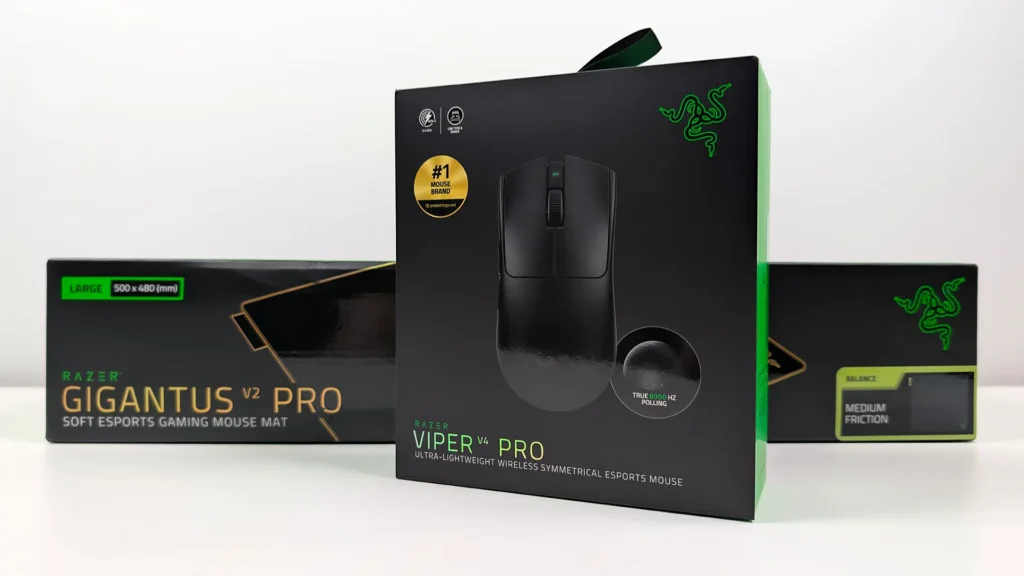
The Razer Gigantus V2 Pro
To complement this particular gaming mouse review, Razer also sent along one of the new Gigantus V2 Pro mats. The reason being that this particular mat uses the company’s proprietary GlideCore foam micro-textured surface geared towards optimising the performance of its optical mouse sensors.
I’m not one to get too hung up on these marketing buzzwords, especially when it comes to what is essentially a rubber mat on my desk, but having used the Balanced version (there are five speeds available to suit different uses) I’m pretty happy with it. It glides nicely, the low-profile stitched edges seem durable without putting uncomfortable pressure on my wrists, and it’s a very generous 500mm x 480 mm size so it suits my large desk setup and I can go absolutely ham with my mouse swipes.
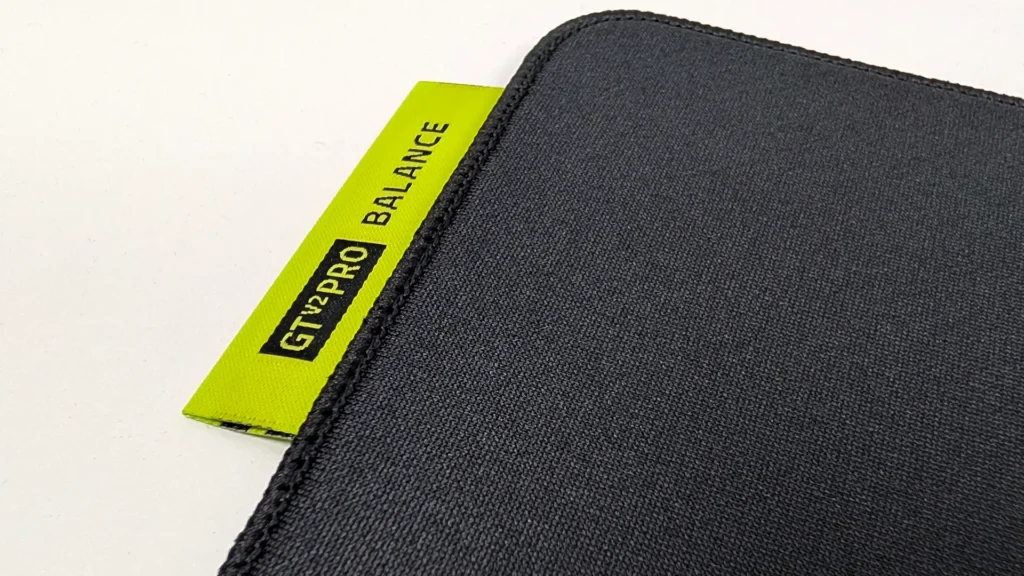
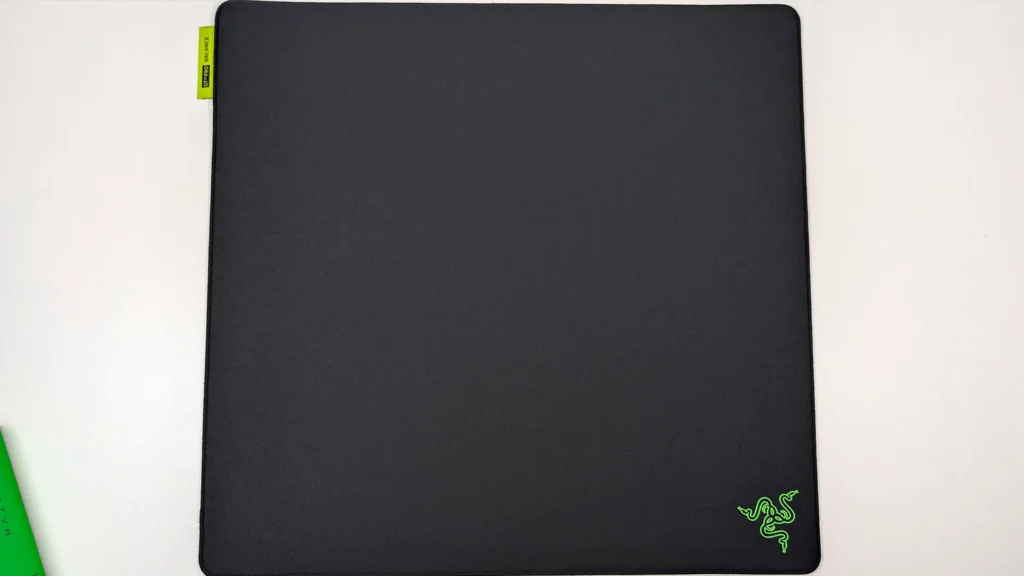
It’s a small, vain thing but I also quite like the design of the colour-coded tags that signify each of the five versions. I wouldn’t endorse buying multiple $90 gaming mouse mats because the colours are cool, but if I was ‘houses are affordable’ rich I would probably do it.
Review product supplied by Razer.


Born into the world of video games through SEGA, and in particular Sonic the Hedgehog, Kieron’s gaming tastes now consist of the latest, shiny AAA thing, an indie darling or two, and an embarrassing number of hours of Balatro.